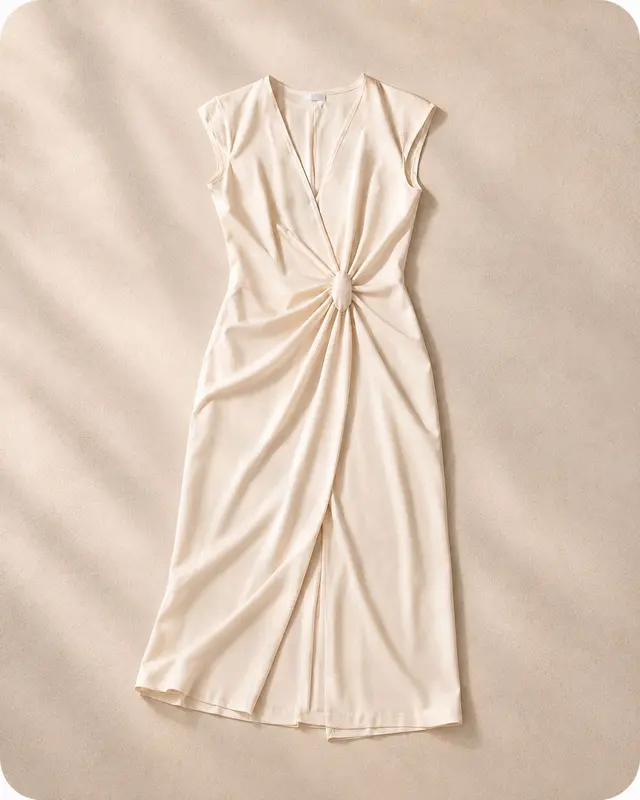
Original
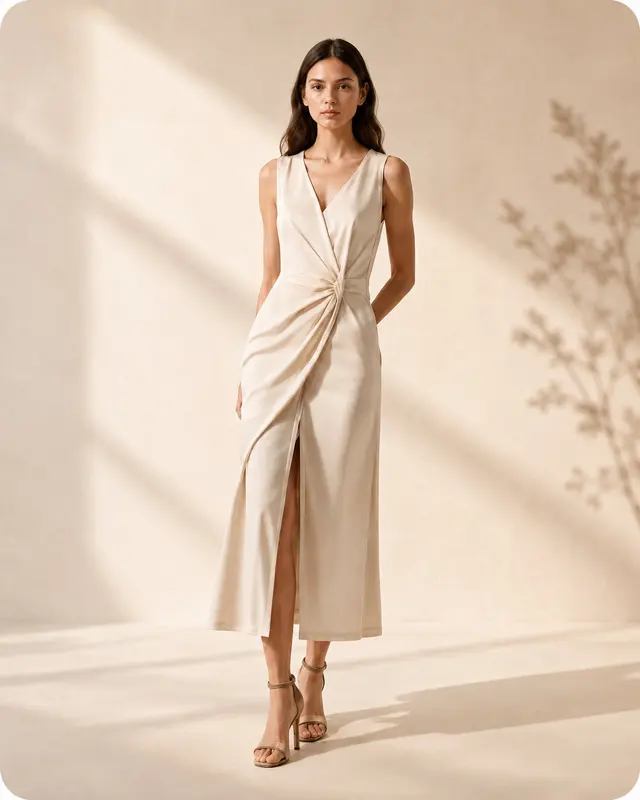
Generated
Turn flat garments and basic product shots into professional on-model photos and campaign assets in minutes.
 AI Generated
 Studio
 Lifestyle
 Back View
Start with a garment or product image and choose the controls available in each workflow, including ratio, purpose, background, and output count.
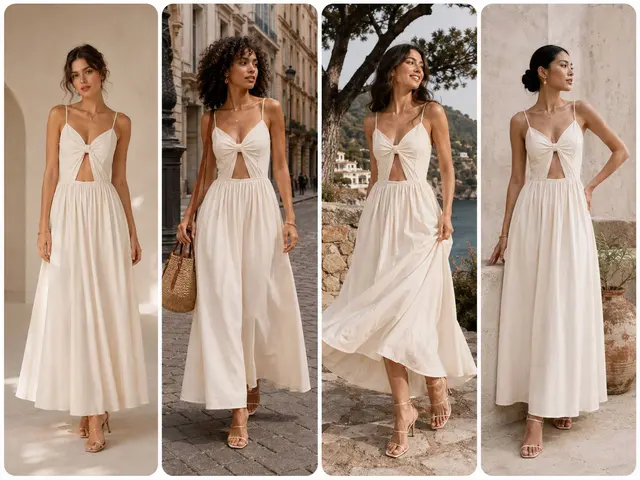
Turn flat clothing photos into professional, studio-style on-model photography.
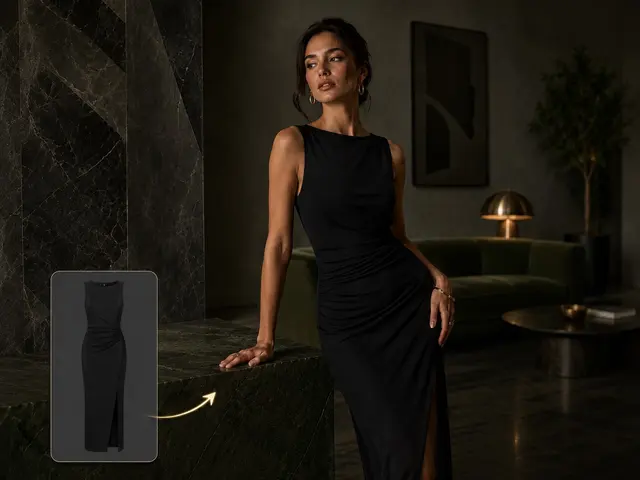
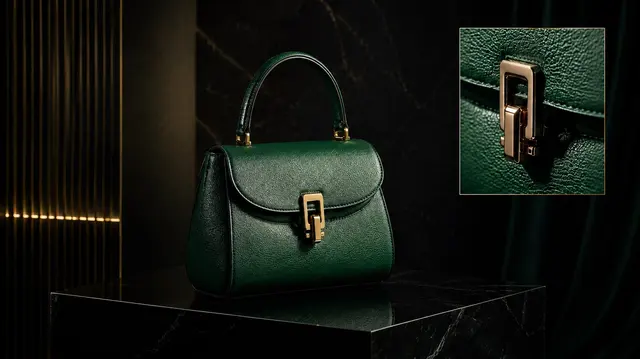
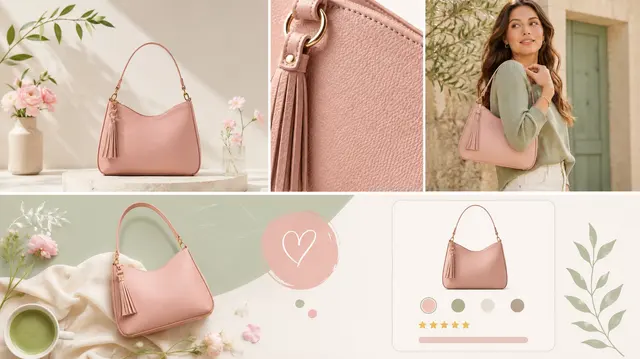
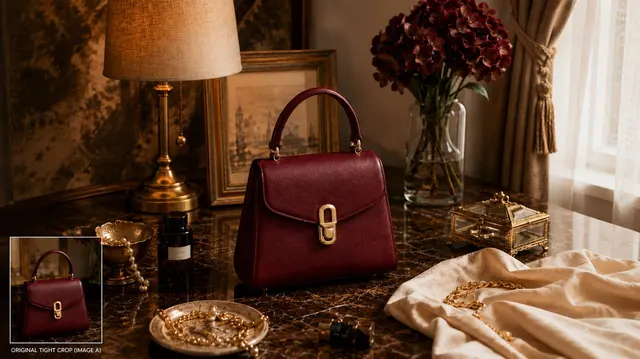
Transform basic product snaps into polished lifestyle, luxury, or clean studio imagery.
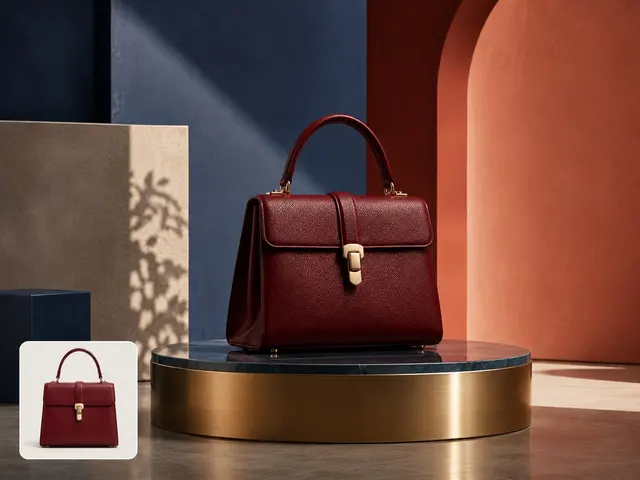
Create separate product-image options for ecommerce, ads, social content, and lookbooks.
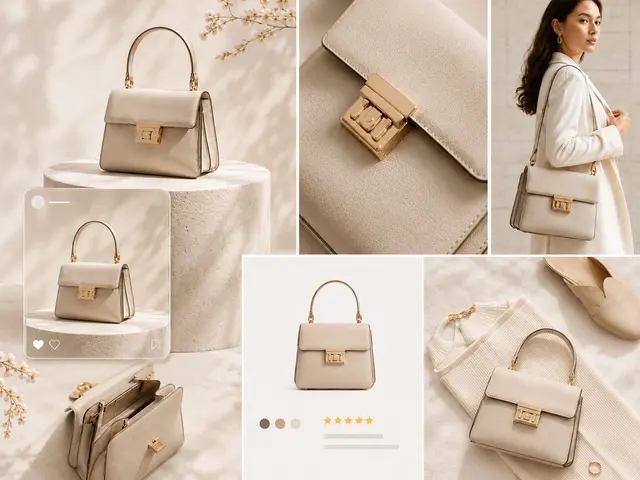
Review garment or product outputs as model photos, product images, image sets, backgrounds, or expanded canvases.
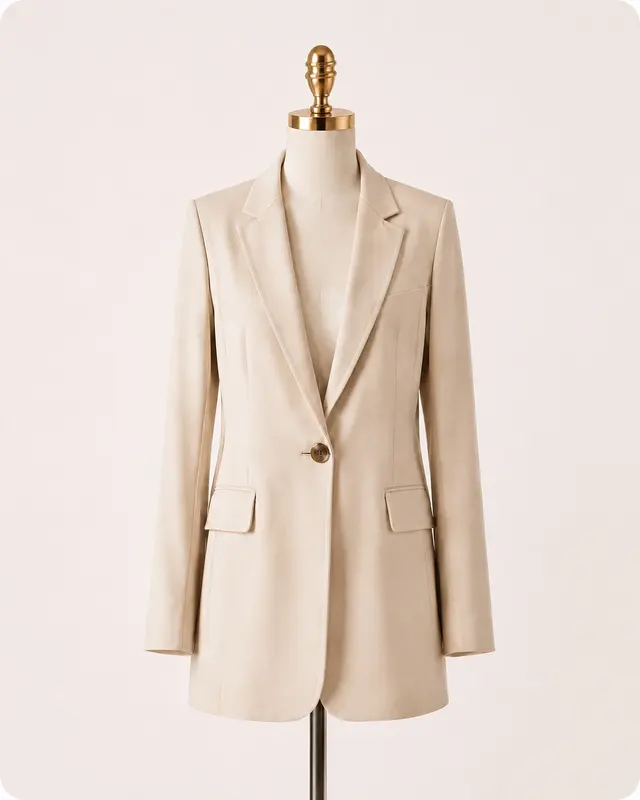
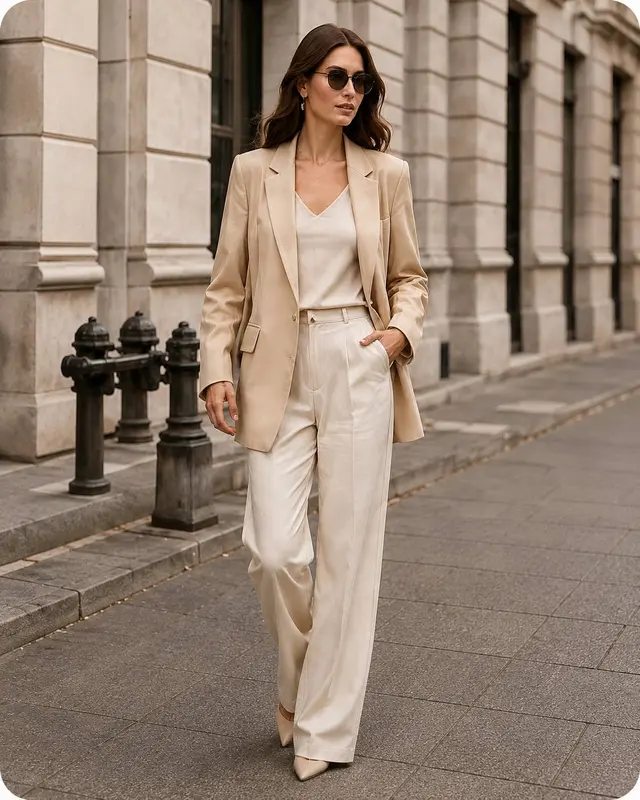
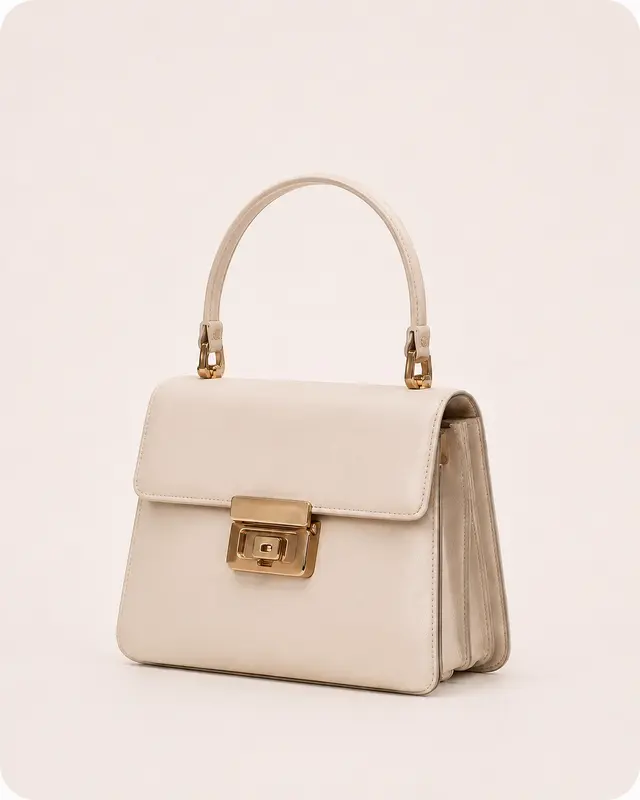
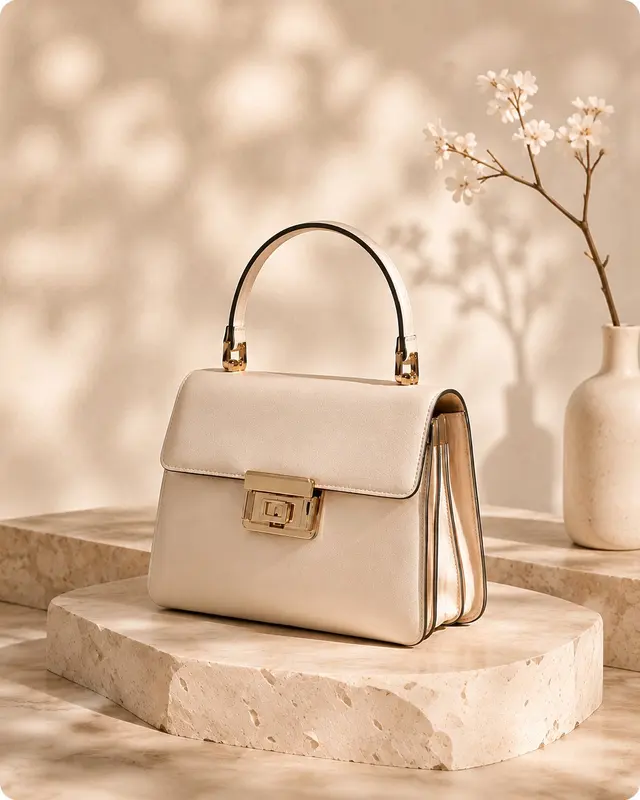
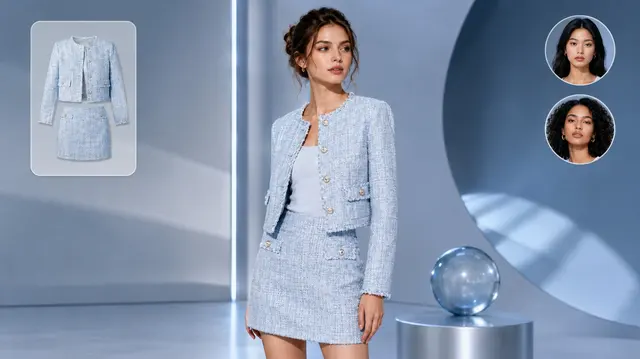
Use DrapeShot workflows for model photos, try-on, product photos, image sets, background outputs, and canvas expansion.
Upload garment images and use a prompt, ratio, and output-count controls to explore model-photo directions.
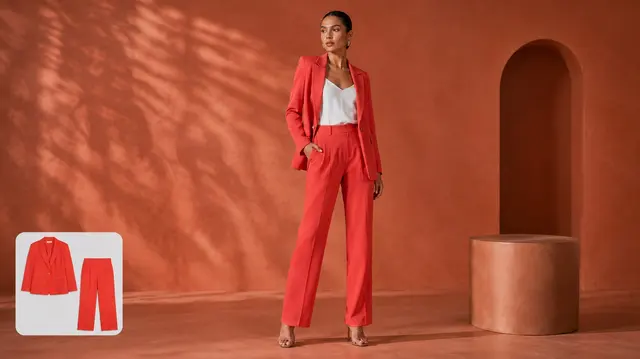
Preview garments on AI-generated models, no physical photoshoot required.
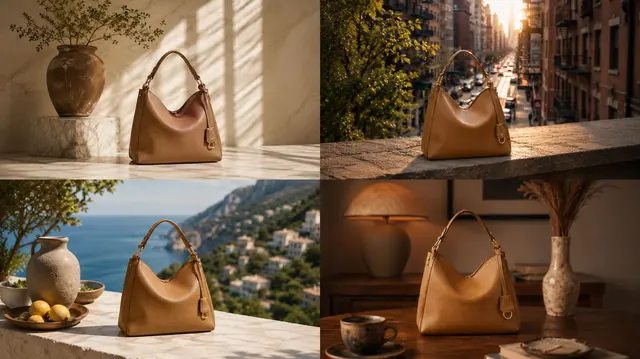
Upload product images and select Marketplace, Studio Clean, Lifestyle, or Luxury directions.
Create separate image options from product images for ecommerce, ads, social content, and lookbooks.
Upload one product image and choose transparent, white, or light-gray background outputs.
Choose a canvas-expansion direction and aspect ratio for product or fashion images.
Get high-quality on-model photography without the studio. Just upload your clothing shots and describe your desired look.
Upload one to five product images and choose Ecommerce, Ads, Social, or Lookbook for separate output options.
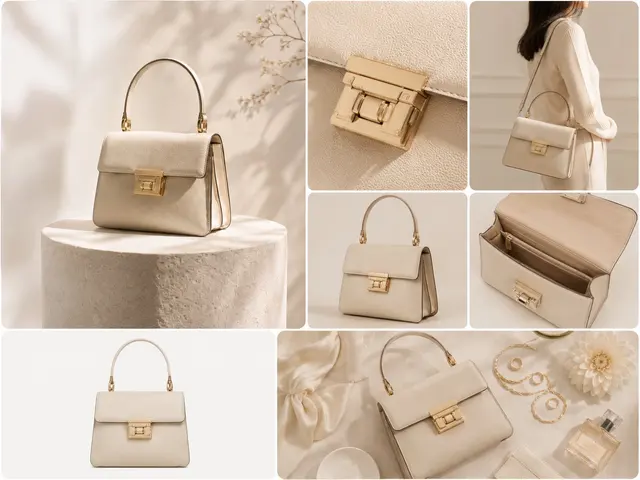
Review examples across model photos, products, backgrounds, and expanded image canvases.
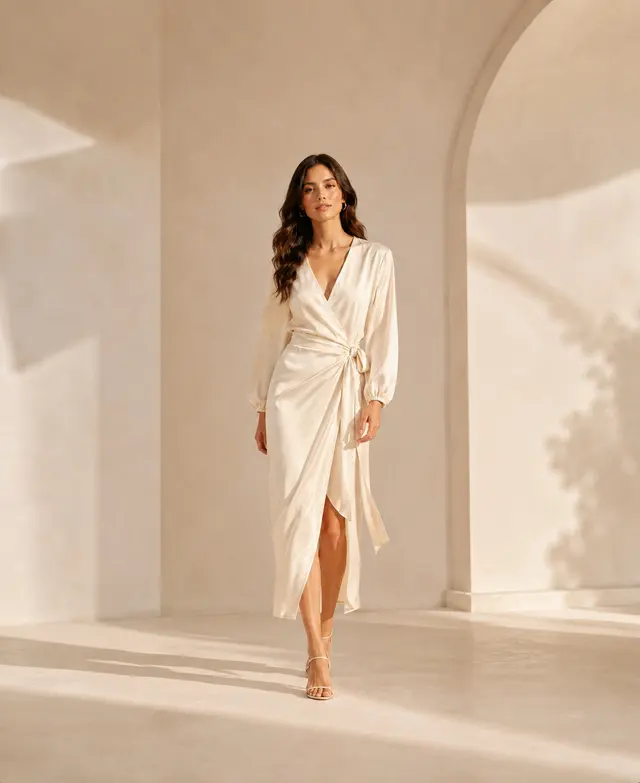
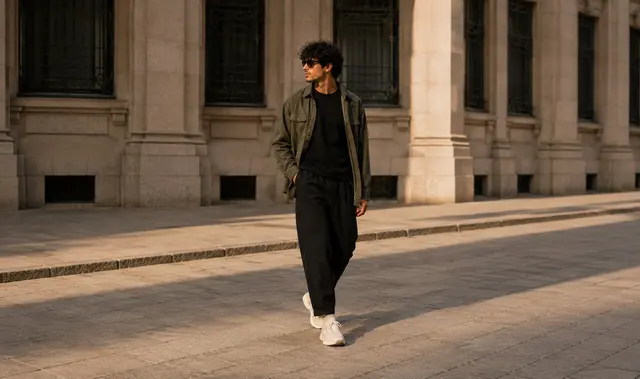
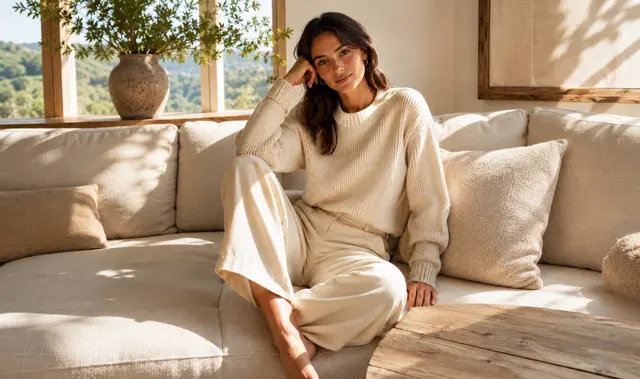
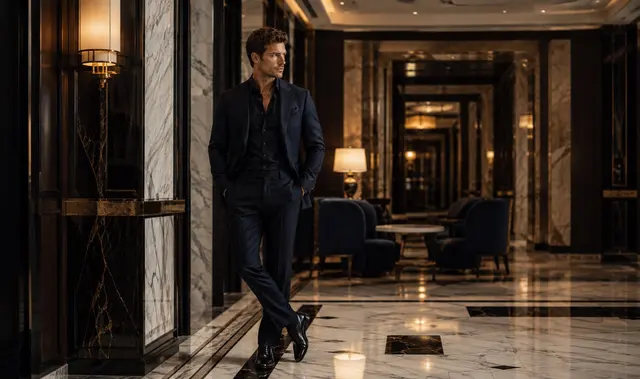
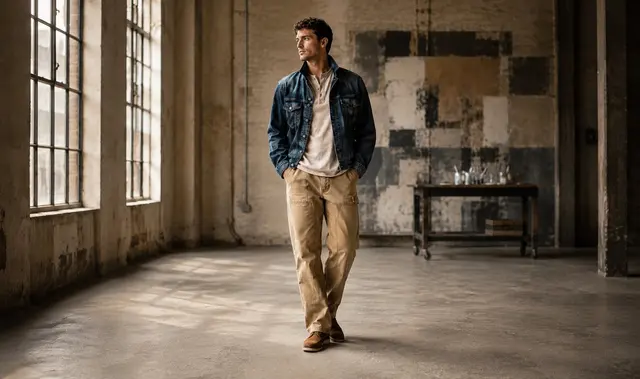
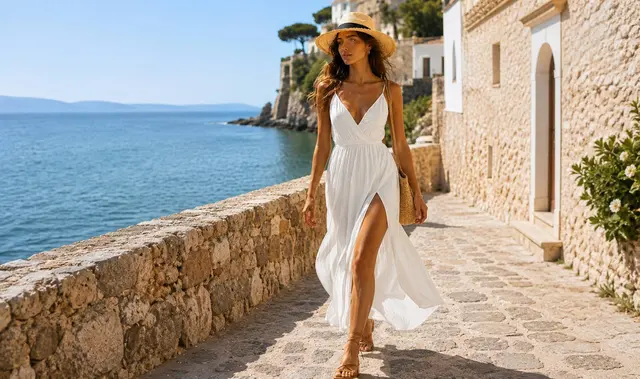
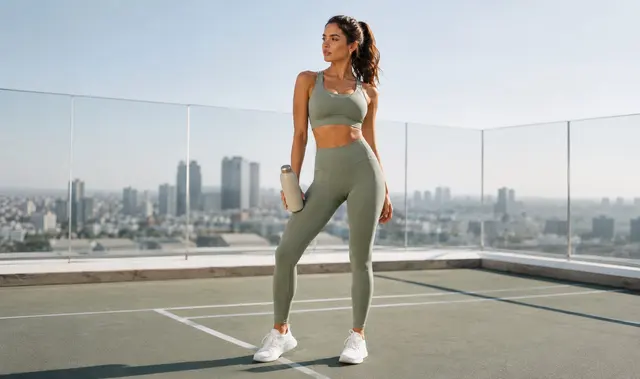
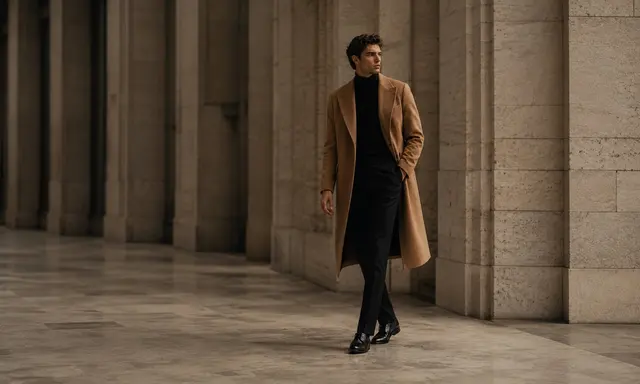
DrapeShot supports brands, stores, marketplace sellers, and content teams reviewing fashion visual options.
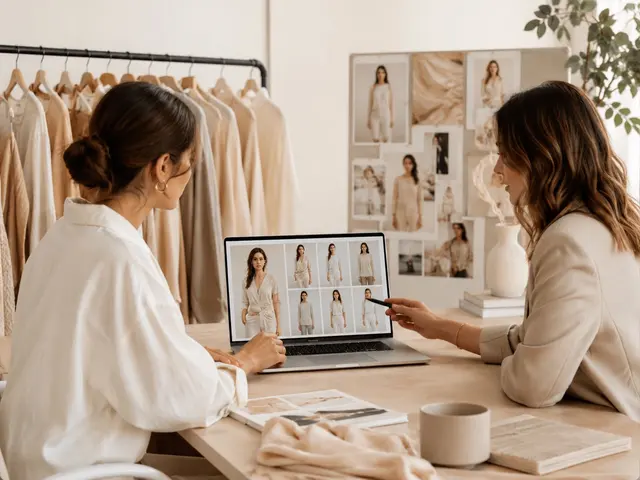
Create on-brand lookbook and product-catalog imagery without a physical photoshoot.
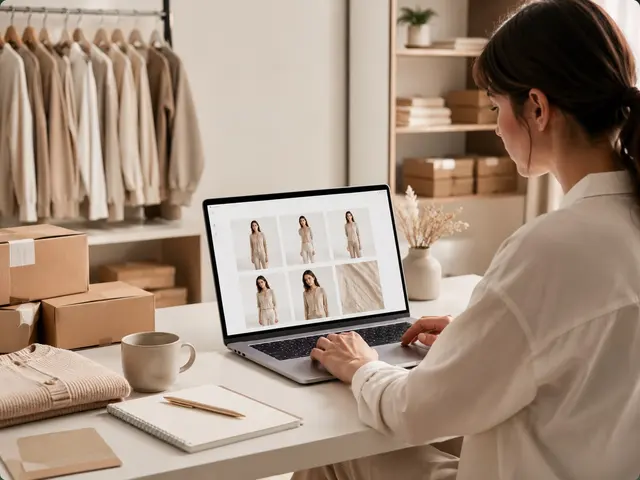
Generate product imagery for Shopify listings and collection banners from supported product inputs.
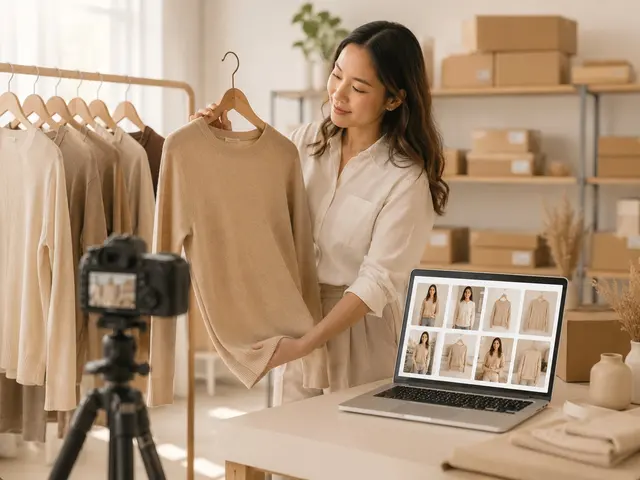
Create clean, professional product shots built for marketplace listings.
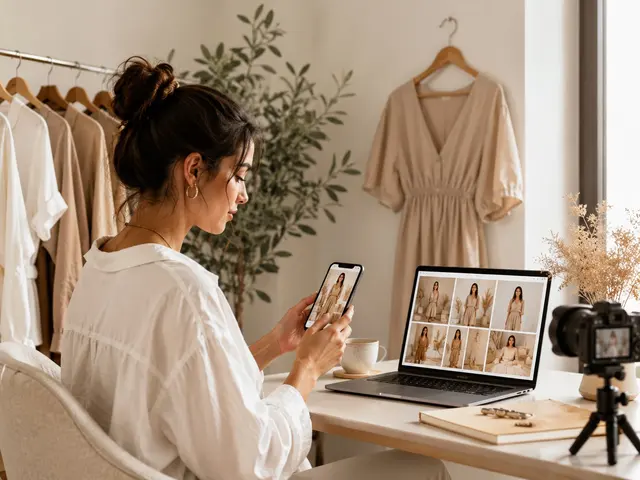
Review separate image options for ads, posts, social content, and lookbooks.
Review fabric, fit, color, and product details in generated outputs before using them.
Generate detailed visuals, then review fabric, fit, and product details before publishing.
Review generated images for the intended product page, campaign, or content use.
Review each generated output before using it.
Choose available ratios, purposes, backgrounds, and output counts for each workflow.
Check visible texture, wrinkles, and lighting in generated images before publishing.
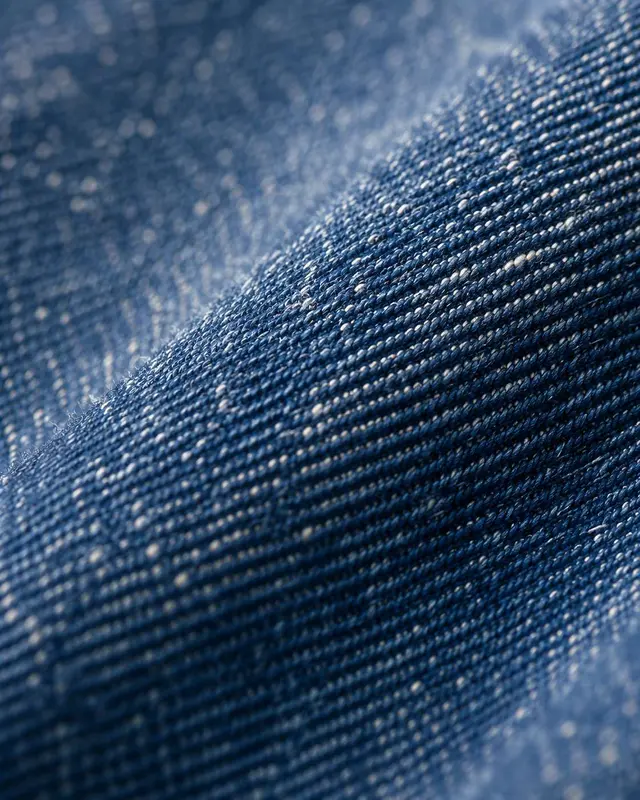
Check surface grain, seams, and washes in each generated output.
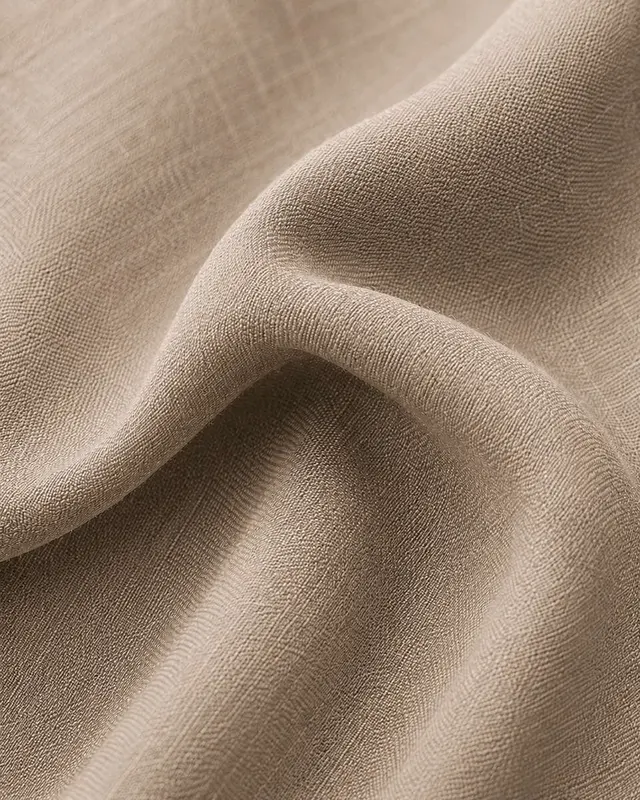
Check fabric drape and wrinkles in each generated output.
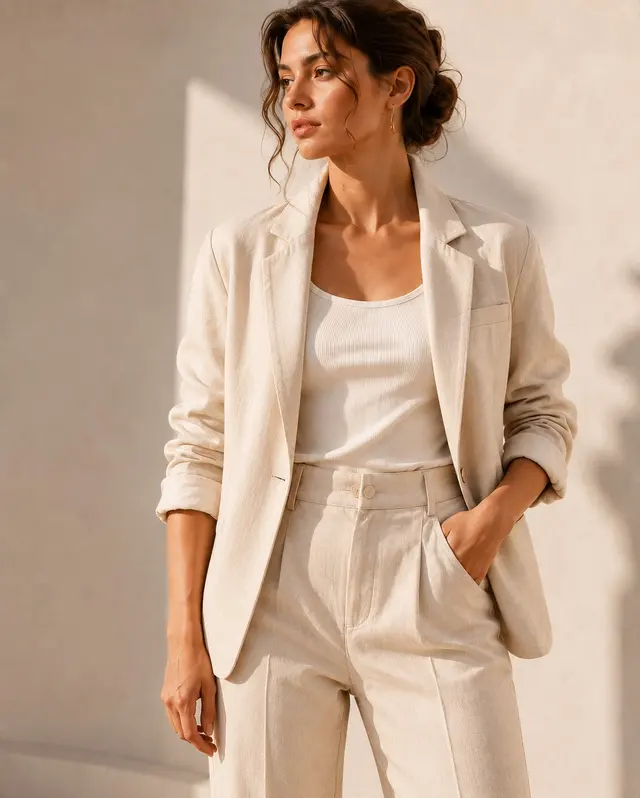
Check lighting and material appearance in each generated output.
Model Photos and Virtual Try-On let me start with garment images and explore how each piece could be presented on a model in different aspect ratios.
Olive Apparel
Apparel Founder
From one product reference, I can create clean product photos and image options for ecommerce, advertising, social content, and catalogs.
Juno Commerce
Ecommerce Lead
The background tool supports transparent, white, and light-gray outputs, while the photo editor lets me expand the canvas in the direction and ratio I need.
Mira Creative
Creative Director
Guide supported workflows with available controls such as aspect ratios, backgrounds, and text prompts to match your brand.
Review the credits shown in the selected workflow and the current billing details before generating.
Before publishing, review generated images and decide whether they suit the intended product page, ad, social, or catalog use.
It generates a complete package of variations tailored for ads, social media, and your storefront from a single photo.
Check garment shape, material, color, and key details in each output before using it.
DrapeShot includes Model Photos, Virtual Try-On, Product Photography, Image Sets, Background, and Photo Editor. Each workflow has its own available inputs and controls.
Review the current workflow settings, credits, and billing details before generating.
DrapeShot is built for fashion brands, ecommerce sellers, and marketers who need AI-generated product and fashion visuals.