Skip to main content
AI Virtual Try-On
Try-On
0 / 10,000
AI will generate high-quality visuals based on your uploads and settings.
Excellent cases
AI Virtual Try-On for Clothing Brands and Sellers
Upload exactly one garment image, add the required prompt, then choose an aspect ratio and one, two, or four outputs.
Capabilities
- Accepts exactly one garment image.
- Uses a required prompt with aspect-ratio and output-count controls.
- Offers one, two, or four outputs.
How it works
- 01Upload one garment image.
- 02Add the required prompt.
- 03Choose a ratio and output count before generating.
Input tips
- Use one clear garment image.
- Use the prompt to describe the intended presentation.
- Review generated images before using them.
What to review
- The workflow accepts exactly one garment image.
- Generated try-on results can vary from the garment and selected model sources and should be reviewed.
Frequently asked questions
Which garment and model sources does try-on use?
Upload exactly one garment image and choose a model from the model picker or model store.
What should I write in the fit prompt?
Use the required prompt to describe the fit or presentation direction you want to explore.
Which aspect ratios are available?
The ratio control offers 1:1, 3:4, 4:5, 9:16, and 16:9.
How many try-on images will the task request?
The task follows the selected output count: one, two, or four images.
How many credits does virtual try-on cost?
The exact credit cost depends on the selected model and your active plan, and it is shown before generation.
What should I review in a try-on result?
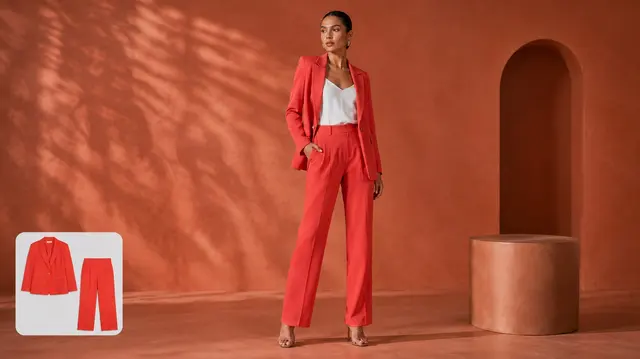
Check the garment placement, visible fit, model presentation, edges, and composition before using the result.