Ghost Mannequin Photography for Clothing Brands
Ghost mannequin photography makes clothing look three-dimensional without showing a visible model, mannequin, or hanger. For fashion brands and ecommerce teams, the point is simple: help shoppers understand shape, collar structure, sleeve fall, and fit cues while keeping the product page clean.
This guide explains the ghost mannequin effect, traditional workflow, market cost ranges, and when a classic ghost mannequin service is more useful than AI model photos.
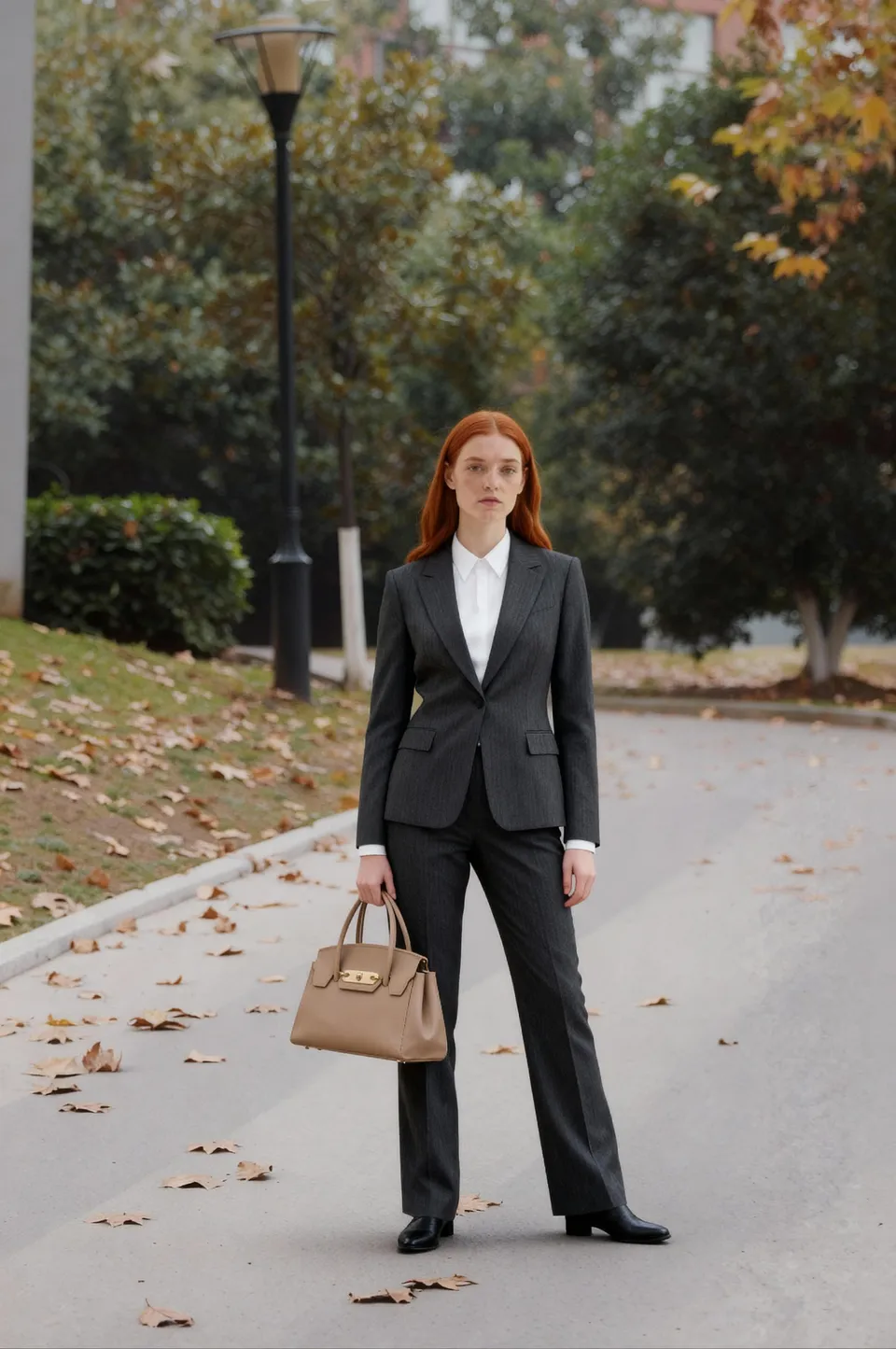
What ghost mannequin photography means
Ghost mannequin photography, also called invisible mannequin or hollow-man photography, starts with a garment photographed on a dress form or mannequin. In post-production, the mannequin is removed so the garment appears to hold its own shape. The final image often shows a clean front view, a back view, and sometimes an inner neck or label insert composited into the opening.
This approach sits between flat lay and on-model photography. A flat lay can show color and outline, but structured clothing may look collapsed. A model shoot shows fit and styling, but requires more coordination. A ghost mannequin image keeps attention on the garment while preserving a body-like shape.
It works especially well for jackets, blazers, button-down shirts, structured dresses, hoodies, and tops where the neck opening matters. It is less useful for very soft knits, transparent fabrics, or garments where movement and scale are the main selling points.
When a ghost mannequin shot works best
A ghost mannequin shot is best when the product needs volume, symmetry, and a clear ecommerce silhouette. If your collection page uses white or light-gray backgrounds, the technique can make a catalog look more uniform than mixed lifestyle photos.
It is also useful when shoppers need to inspect construction. Collars, shoulder seams, sleeve length, plackets, waistbands, and lining details are easier to judge when the garment is lifted from the background.
The method is not automatically better than every apparel image style. Highly draped dresses, swimwear, or body-fit-dependent items may still need model photos. Fast-moving inventory may not justify careful retouching for every SKU.
Step-by-Step Tutorial: How to Shoot and Turn a Photo into a Ghost Mannequin
To shoot and produce a ghost mannequin image, you must remove the physical form and composite hidden inner garment details during post-production. Image quality depends as much on physical garment prep and lighting setup as it does on retouching skills.
Follow this practical studio workflow:
- Garment Prep and Styling: Steam the fabric thoroughly to eliminate wrinkles. Align seams, button up plackets, and use transparent fishing line, pins, clips, tissue paper, or light stuffing inside sleeves and hems to maintain structure without showing tools.
- Select and Set the Dress Form: Choose a mannequin or dress form that matches your garment's exact sizing. An oversized form stretches fabric unnaturally, while an undersized form causes shoulder collapse or empty gaps that are difficult to fix in Photoshop.
- Studio Lighting and Camera Alignment: Position large softboxes symmetrically to deliver balanced, even illumination. Consistent lighting reduces harsh drop shadows around garment edges and simplifies precise background masking. Mount your camera on a sturdy tripod at chest height, keeping lens focal length, aperture, and camera distance locked across the entire catalog shoot.
- Capture Front, Back, and Angle Frames: Take steady front and back shots of the styled garment on the mannequin. Maintain identical crop ratios and background positioning for seamless grid alignment on your product page.
- Capture the Neck Insert Frame (Crucial Step): Unbutton the collar, turn the neck area inside out, or place the garment inside-out on the form to photograph the inner back lining, size tag, and neck label separately. Keep camera angle and light intensity strictly identical to the front frame.
- Post-Production Compositing and Masking: Open the front and insert shots as layers in Adobe Photoshop or specialized photo editing software. Use clipping paths or layer masks to select and delete the visible mannequin neck and neckband. Place the inner label insert image onto the background layer behind the front opening, align the seam lines, blend lighting, clean dust particles, and add a subtle drop shadow for depth.
The neck insert frame is the step many beginners skip. Without capturing and compositing this inner detail, the neck opening appears flat and hollowed out rather than three-dimensional.
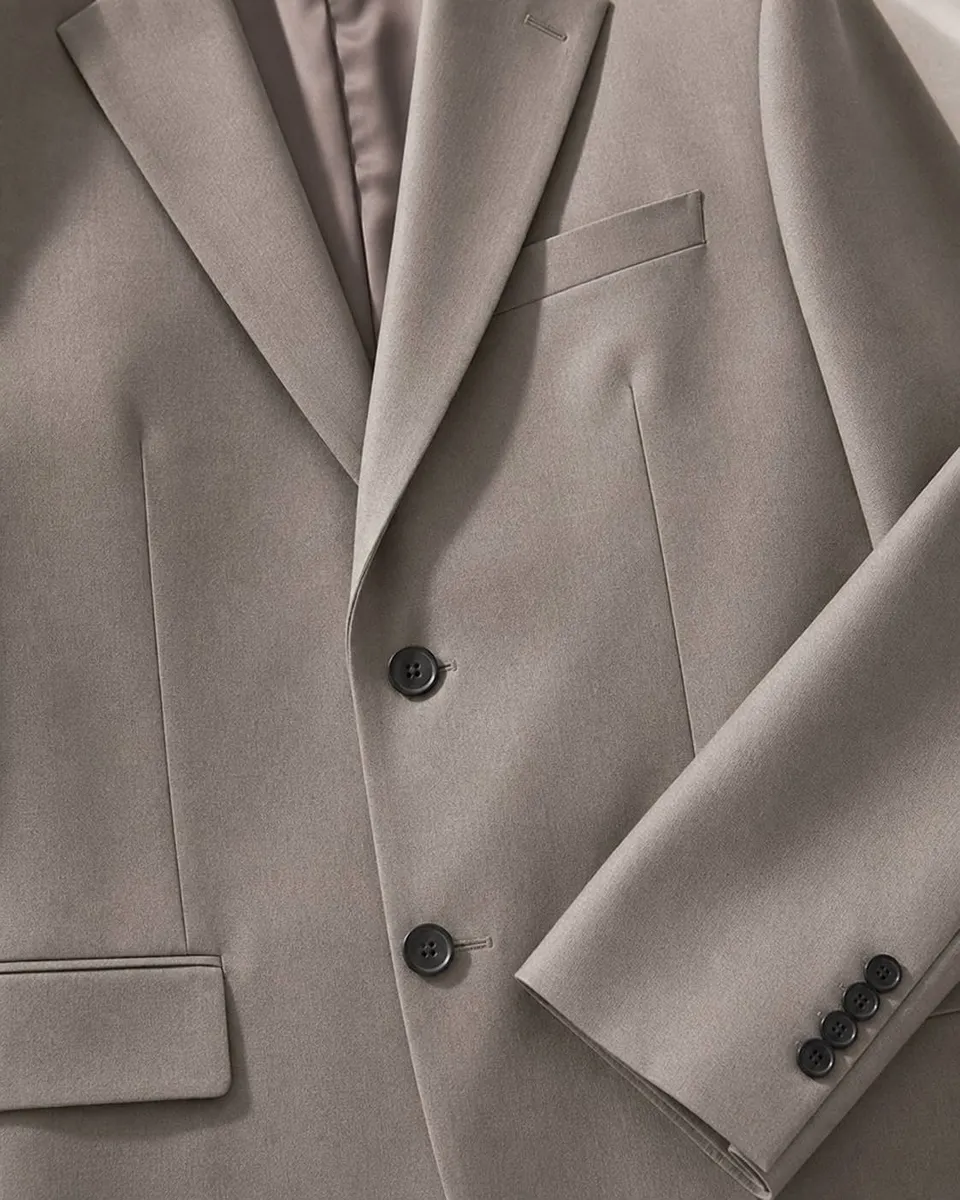
What you need before starting
Before booking a photography studio or building an in-house setup, decide what your ecommerce store actually needs. Producing ghost mannequin shots requires specific physical equipment and software tools:
- Physical Equipment: A fitted dress form or neck-cutout mannequin, styling pins/clips, handheld garment steamer, tissue paper, sturdy tripod, DSLR or mirrorless camera, and dual softbox studio lighting.
- Editing Software: Image editing software capable of multi-layer masking and compositing, such as Adobe Photoshop or specialized retouching software.
- Production Brief: A clear retouching brief covering acceptable shadow intensity, edge sharpness, color accuracy, and wrinkle reduction rules.
Set your crop ratio, background color value, shadow style, and front/back angles before shooting an entire catalog. Running a 5-SKU pilot test reveals hidden issues early—such as misaligned neck seams, pin marks on delicate fabrics, or shoulder sagging after form removal.
How much does Ghost mannequin service cost?
Ghost mannequin service cost varies based on SKU volume, garment structural complexity, angle requirements, and retouching depth. Public market pricing serves as a general industry benchmark rather than a fixed quotation.
Brands typically compare three primary production routes across the industry:
| Approach | Market Planning Range | Primary Cost Drivers |
|---|---|---|
| In-house DIY Studio | About $5-$25 in labor per SKU pair | Internal staff time, equipment, retouching skill |
| Freelance Photographer & Retoucher | About $25-$80 per front/back SKU | Order volume, turnaround time, image angles |
| Full-Service Commercial Photo Studio | About $40-$150+ per front/back SKU | Garment complexity, inner neck compositing detail |
These figures represent broad market planning ranges across commercial photography agencies. Complex items like tailored suits or winter coats require multiple compositing layers, whereas simple t-shirts can be processed faster.
Common studio mistakes to avoid
The most common error is treating ghost mannequin photography as a quick digital trick rather than a structured production workflow. Poor steaming, uneven pinning, or selecting the wrong form size forces retouchers to waste hours fixing avoidable physical mistakes.
Watch out for these frequent issues:
- Collapsed Shoulders: Shoulders drop after form removal when sleeves lack internal paper stuffing or pin support during shooting.
- Wavy or Uneven Hems: Unaligned hems create visual distraction when multiple SKU cards appear side-by-side in ecommerce category grids.
- Misaligned Neck Inserts: Compositing the inner label frame at a conflicting camera angle makes the garment look unnatural and distorted.
- Inconsistent Framing and Crop: Varying camera heights or crop margins across SKUs creates an unpolished, chaotic catalog layout.
What is the difference between flat lay and ghost mannequin?
Ghost mannequin displays true three-dimensional volume, collar shape, and garment silhouette, whereas flat lay displays clothing arranged flat on a surface. Use ghost mannequin photography for structured outerwear, jackets, suits, and tailored shirts; use flat lay for quick documentation, scarves, graphic tees, or relaxed knitwear.
Many fashion brands combine both styles: using a ghost mannequin image for the main product thumbnail, flat lay shots for fabric texture close-ups, and model imagery for styling inspiration. Flat lay photos also serve as clean input source images for AI fashion tools.
Can AI do ghost mannequin photography?
AI fashion tools generate on-model try-on visuals, lifestyle backgrounds, or studio campaign images from flat lay or garment photos, but they do not perform manual ghost mannequin retouching or physical hollow-man compositing. Creating a true ghost mannequin composite requires manual form removal, layer alignment, and exact physical label compositing.
AI workflows excel at creative exploration: transforming simple product photos into diverse model shots, testing editorial background concepts, or expanding image variations across different demographics.
When incorporating AI-generated images into commercial store listings, ad campaigns, or client work, commercial usage rights are strictly required. DrapeShot commercial usage rights are included only with annual plans (Starter Annual starts at $100/year) and Enterprise plans; free trial credits and all monthly plans do not include commercial usage rights. Free registration includes 100 trial credits that expire in 7 days, enough for up to 25 fast test images based on the Nano Banana credit price. For commercial use, choosing Starter Annual is the better deal: $100/year is cheaper than paying for just 4 monthly subscription payments ($119.96), while giving you commercial licensing from day one.
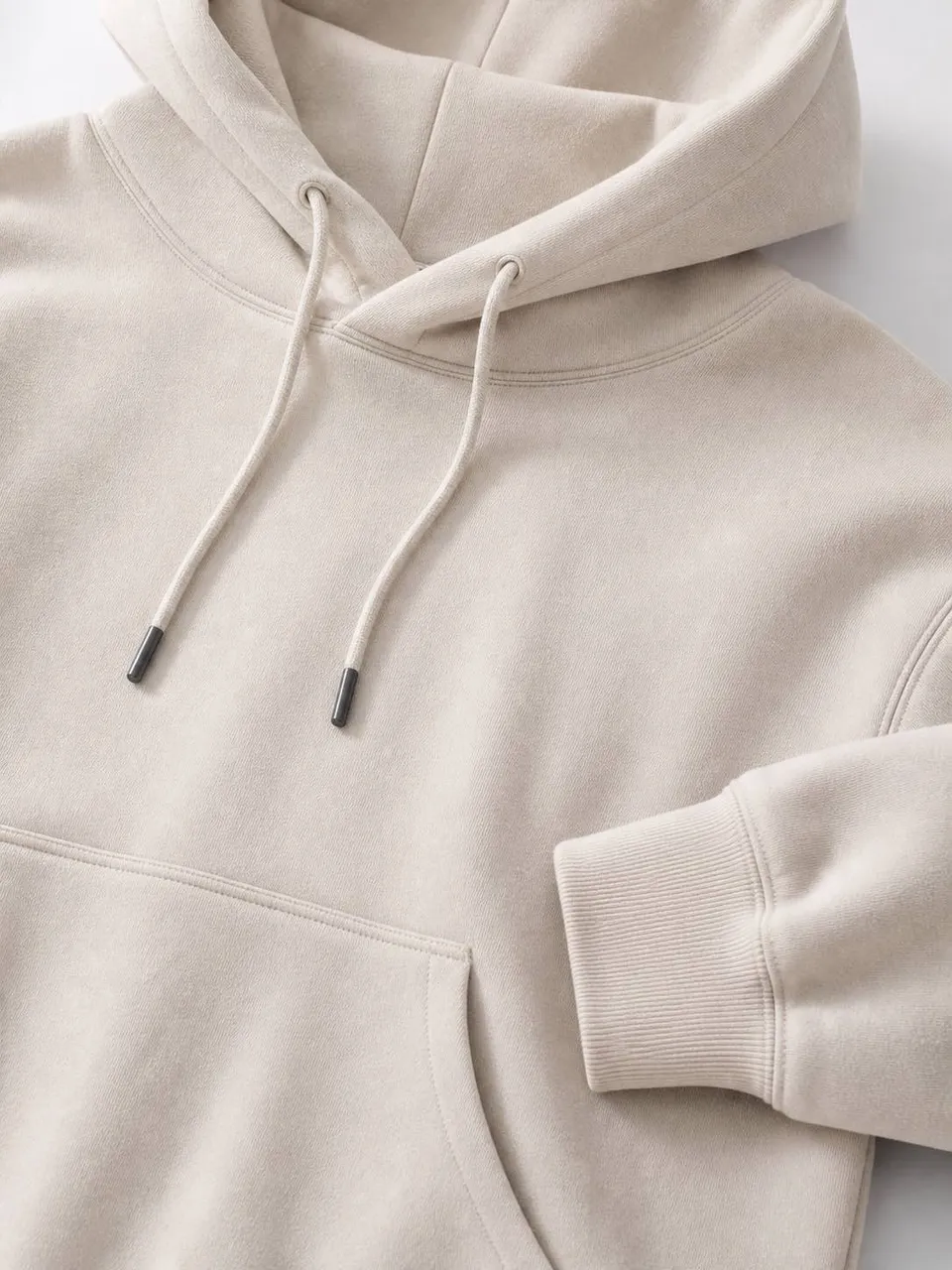
Physical mannequin vs outsourced retouching vs AI
Understanding the distinct roles of physical ghost mannequin photography, outsourced retouching, and AI image workflows helps ecommerce teams allocate budget effectively:
- Physical Mannequin Photography: Best when the brand needs maximum control over garment shape, lighting, fabric texture, and source images before any retouching begins.
- Outsourced Ghost Mannequin Retouching: Best for canonical, product-only catalog images where shoppers must inspect exact neck labels, physical stitching, interior lining, and accurate hollow silhouettes.
- AI Image Workflows: Some tools focus on generating ghost mannequin-style product images directly, while others focus on turning flat lay, hanger, or mannequin photos into realistic on-model visuals. DrapeShot belongs to the second route: it helps brands convert existing garment photos into model-worn images for listings, ads, and campaign variations.
The practical strategy is a hybrid workflow: use physical shooting and retouching when you need precise product-only ghost mannequin images, then use DrapeShot's AI model generator to turn flat lay or mannequin photos into engaging on-model presentation views.
How DrapeShot fits into your photography workflow
DrapeShot does not offer physical ghost mannequin photography tools, neck-compositing software, or manual retoucher services. Instead, DrapeShot provides an AI fashion model generator designed to convert existing flat lay, hanger, or product photos into realistic on-model imagery.
If your goal is to manually remove a mannequin form or stitch neck tags, you should hire a professional photo retoucher or use layer-editing software like Photoshop. If your goal is to turn existing garment photos into diverse, high-converting model visuals for commercial listings, ads, or online storefronts, use DrapeShot's AI fashion model generator with an annual plan or Enterprise plan so the generated images include commercial usage rights.
For commercial usage rights on store listings and ad campaigns, select an annual plan or Enterprise plan. Starter Annual starts at $100/year, unlocks commercial usage rights, and costs less than paying for just 4 monthly subscription payments ($119.96). Free registration includes 100 trial credits expiring in 7 days, enough for up to 25 fast test images based on the Nano Banana credit price, but free trial credits and all monthly subscription plans strictly do not include commercial usage rights.
Frequently Asked Questions
What is a ghost mannequin in photography?
A ghost mannequin is a post-production technique that removes the mannequin from a garment photo, creating a 3D hollow effect. It combines shots of the garment on a form with photos of interior details (like neck labels) to show realistic shape and volume without displaying a physical model.
How do you remove a mannequin from a photo?
You remove a mannequin by masking it out in editing software and compositing a separate photo of the inner lining. Photographers shoot the garment on the form, take an extra shot of the inside collar or label, and blend both images in post-production to create a seamless hollow look.
What clothing works best for ghost mannequin shots?
Structured apparel with defined collars, shoulders, and waistlines works best for ghost mannequin shots. Ideal items include blazers, jackets, button-down shirts, hoodies, and tailored dresses where maintaining a three-dimensional silhouette is essential for shoppers to evaluate fit.
Is the Ghost mannequin app free?
Most dedicated ghost mannequin services and advanced editing tools are paid due to the manual retouching required. While basic background removal tools offer free tiers, commercial-grade hollow-man compositing typically requires specialized software or professional image editing services.
Does Canva do Ghost mannequins?
Canva can remove backgrounds, but it cannot automatically generate a true ghost mannequin hollow effect. Creating a proper ghost mannequin image requires compositing interior neck details and precise edge masking, which requires dedicated photo editing software like Photoshop.
Can I use AI model photos instead of ghost mannequin photos?
Yes, AI model photos can complement or replace ghost mannequin shots when you want to show fit and context. While ghost mannequin images focus purely on product structure, AI tools can transform flat lays or mannequin shots into realistic on-model images to improve engagement on ecommerce pages. For commercial listings, ads, or client delivery, DrapeShot commercial usage rights require an annual plan or Enterprise plan; free trial credits and monthly plans do not include commercial usage rights.